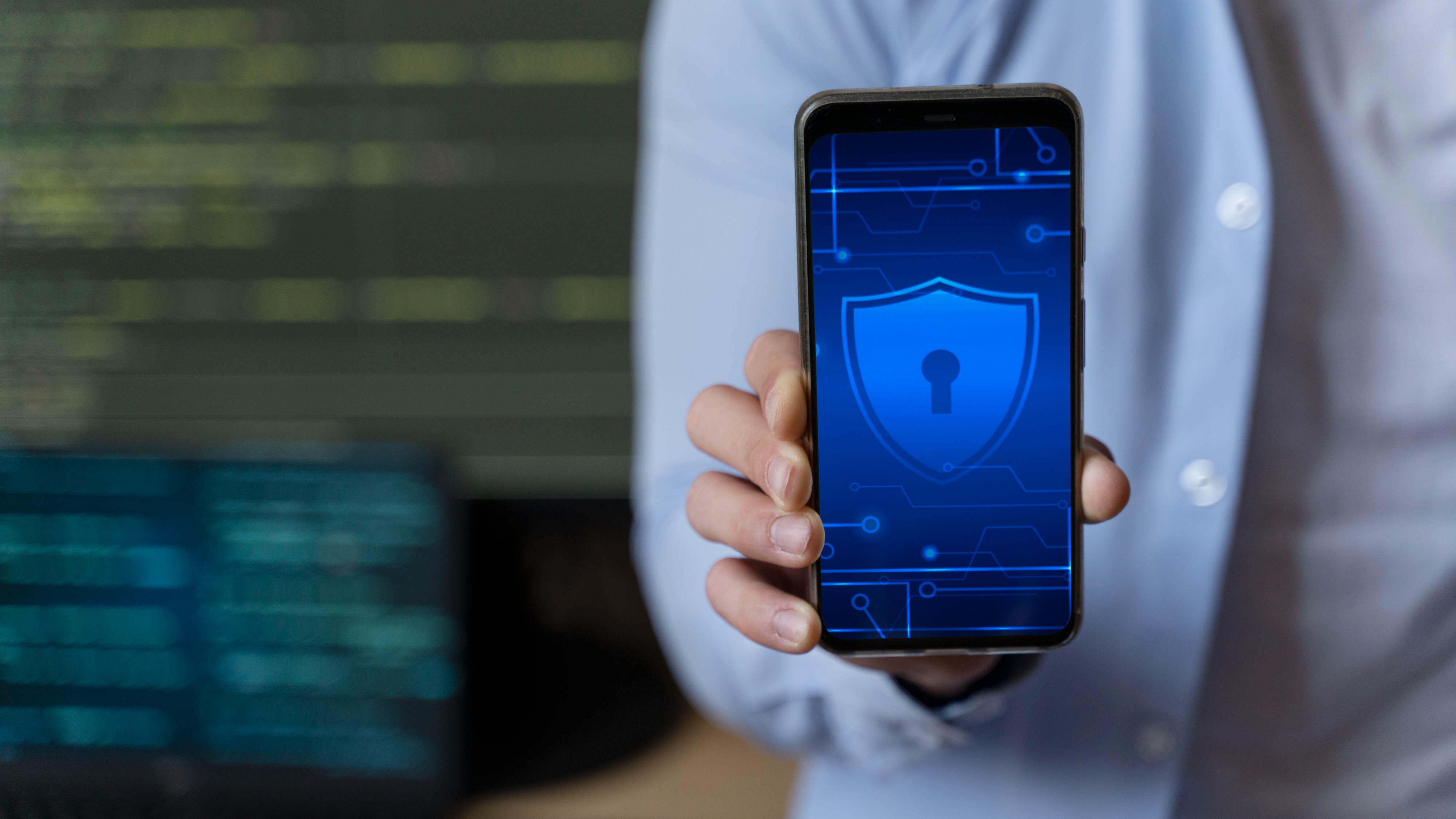
- Use advanced security controls: Enable two-factor authentication, biometric authentication, and encryption to protect your device from unauthorized access.
- Keep your phone’s operating system and apps up-to-date to ensure that you have the latest security patches.
- Use a virtual private network (VPN) to encrypt your internet traffic and protect your online privacy.
- Avoid public Wi-Fi networks, which are often unsecured and can be easily hacked. Instead, use your phone’s cellular data or a VPN.
- Use unique and complex passwords for your phone and all your accounts.
- Be cautious of phishing scams and do not click on suspicious links or download attachments from unknown sources.
- Install a reputable antivirus app to protect your phone from malware and other security threats.
In addition, you can consider the following tips to further secure your phone:
- Regularly back up your phones data to hard drive or cloud storage service to ensure that you don’t lose important information in case of a security breach.
- Consider using a privacy screen to prevent others from viewing your screen your screen while working in public.