
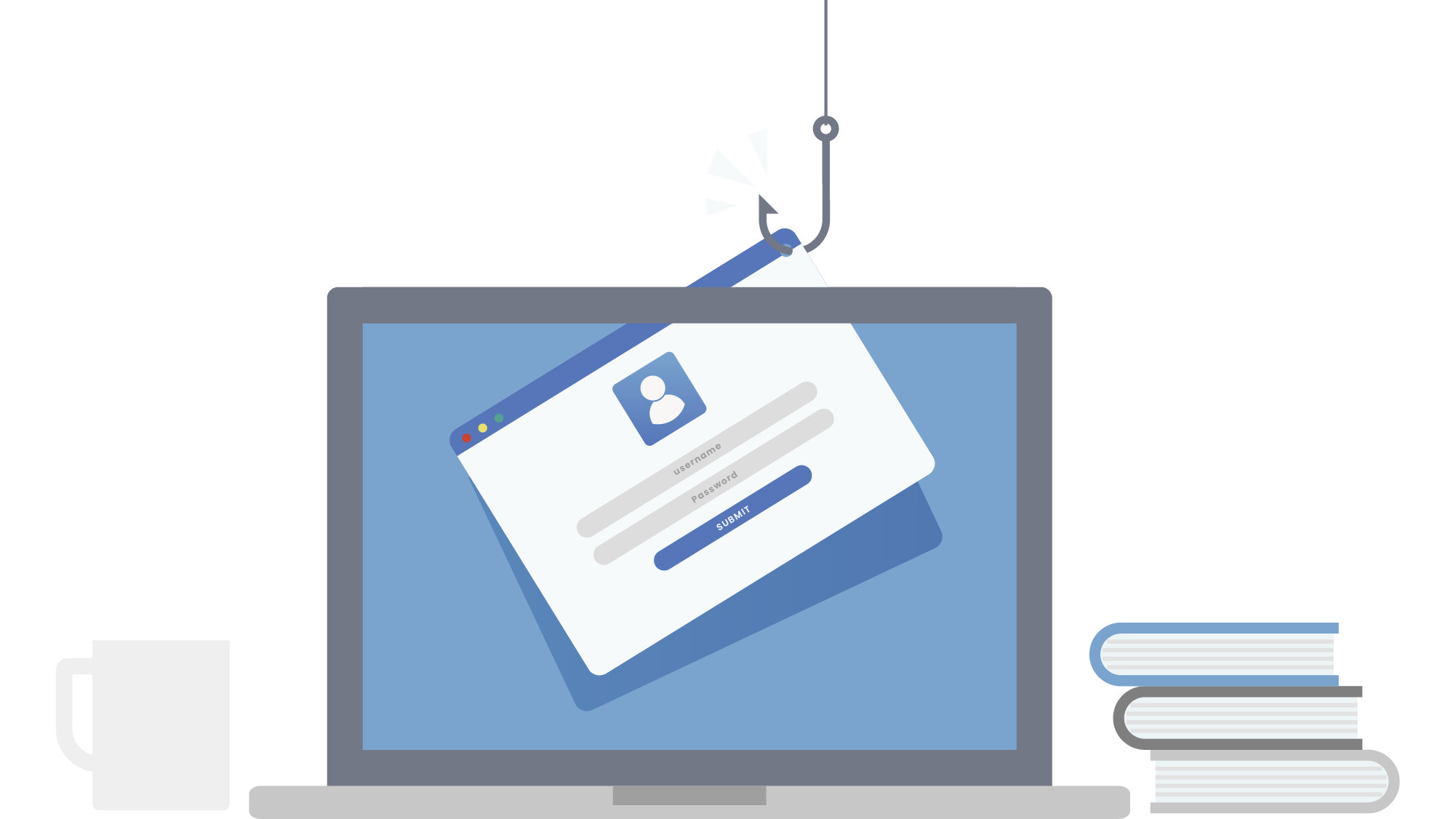
It started, as these things usually do, with an ordinary-looking email.
A supplier your accounts team had been dealing with for years sent a message saying they’d updated their banking details. The email looked right — correct name, correct signature, even correct context about a recent invoice. Someone in the finance team processed the payment to the new account.
The money left the business. The real supplier called three days later to follow up on the outstanding invoice. The account it had gone to was untraceable. The funds were gone.
This is Business Email Compromise. It’s not a sophisticated hack. It’s a well-researched deception — and it’s the second most costly form of cybercrime globally. According to the FBI’s 2024 Internet Crime Report, Business Email Compromise generated $2.77 billion in losses in a single year across 21,442 incidents. That’s not enterprise fraud. Most of those cases were small and medium businesses, targeted precisely because they’re less likely to have the controls that larger organisations do.
Why Email Is the Front Door to Your Business
Phishing — emails designed to steal credentials, trigger payments, or install malware — remains the most common attack vector across all business sizes. In 2024, 61% of SMBs identified phishing as the most common attack they faced. It’s not that businesses aren’t aware of the threat. It’s that the attacks have become extraordinarily convincing.
Generative AI has dramatically changed what a phishing email looks like. Where older attacks were easy to spot — poor grammar, generic greetings, obvious pressure tactics — AI-assisted phishing is now polished, personalised, and contextually accurate. By mid-2024, an estimated 40% of Business Email Compromise phishing emails were AI-generated. They reference real people, real relationships, and real business context harvested from public sources like LinkedIn and company websites.
The person who clicks isn’t careless. They’re responding to something that looks exactly like a legitimate email from someone they trust.
What Layered Email Protection Actually Does
The answer isn’t to tell staff to “be more careful.” It’s to put systems in place that reduce the chance of a malicious email reaching someone’s inbox in the first place — and that limit the damage if one does get through.
Email filtering examines incoming messages before they reach a staff member’s inbox, checking for known malicious links, spoofed sender addresses, suspicious attachments, and patterns consistent with phishing campaigns. Microsoft Defender for Office 365, which is included in many Microsoft 365 business plans, does exactly this — scanning every inbound email and flagging or blocking threats before they land.
Multi-Factor Authentication (MFA) means that even if a password is successfully stolen through a phishing attack, the attacker still can’t access the account without a second verification step. This single control prevents the majority of credential-based account takeovers. It takes about fifteen minutes to enable across a Microsoft 365 tenant and dramatically changes your exposure profile.
Endpoint protection covers what happens if something does get through — a malicious link is clicked, an attachment is opened. ESET endpoint security monitors device behaviour in real time, catching and containing threats at the device level before they can spread across the network or exfiltrate data.
The Human Layer Still Matters
Technology alone isn’t sufficient. The 2025 Verizon Data Breach Investigations Report found that 60% of breaches involved a human element — phishing, stolen credentials, or social engineering. The most well-configured email security stack still has a person at the end of it making a decision.
Staff awareness training doesn’t need to be complicated. It needs to cover three things: what a phishing email looks like today (not five years ago), what to do when something feels wrong (report it, don’t click, don’t forward), and why the financial controls around supplier payment changes need to be tightened. A verbal confirmation call to a known number before any banking detail change is actioned costs nothing and has stopped countless BEC attacks cold.
The Cost of Not Acting
A 2024 analysis found that 78% of SMB owners fear a serious cyberattack could put them out of business. That fear isn’t irrational — for a business operating on tight margins, a single successful BEC attack can create a cash flow crisis that the business simply can’t recover from.
The cost of putting layered email and endpoint protection in place is a fraction of what a single incident would cost. And unlike the incident, the protection runs silently in the background, requiring no attention on your part after setup.
What to Do First
If you’re not sure what protection is currently in place on your business email, the first step is to find out. A surprising number of businesses are running Microsoft 365 without enabling the security features that are already included in their subscription.
Dial a Nerd works with South African SMBs to set up and manage layered email and endpoint security — including Microsoft Defender and ESET. If you’re not sure whether your business email is properly protected, that’s exactly the conversation we should be having.




You guys are brilliant and I appreciate all your advice. Am a home user with Microsoft 365 and ESET.