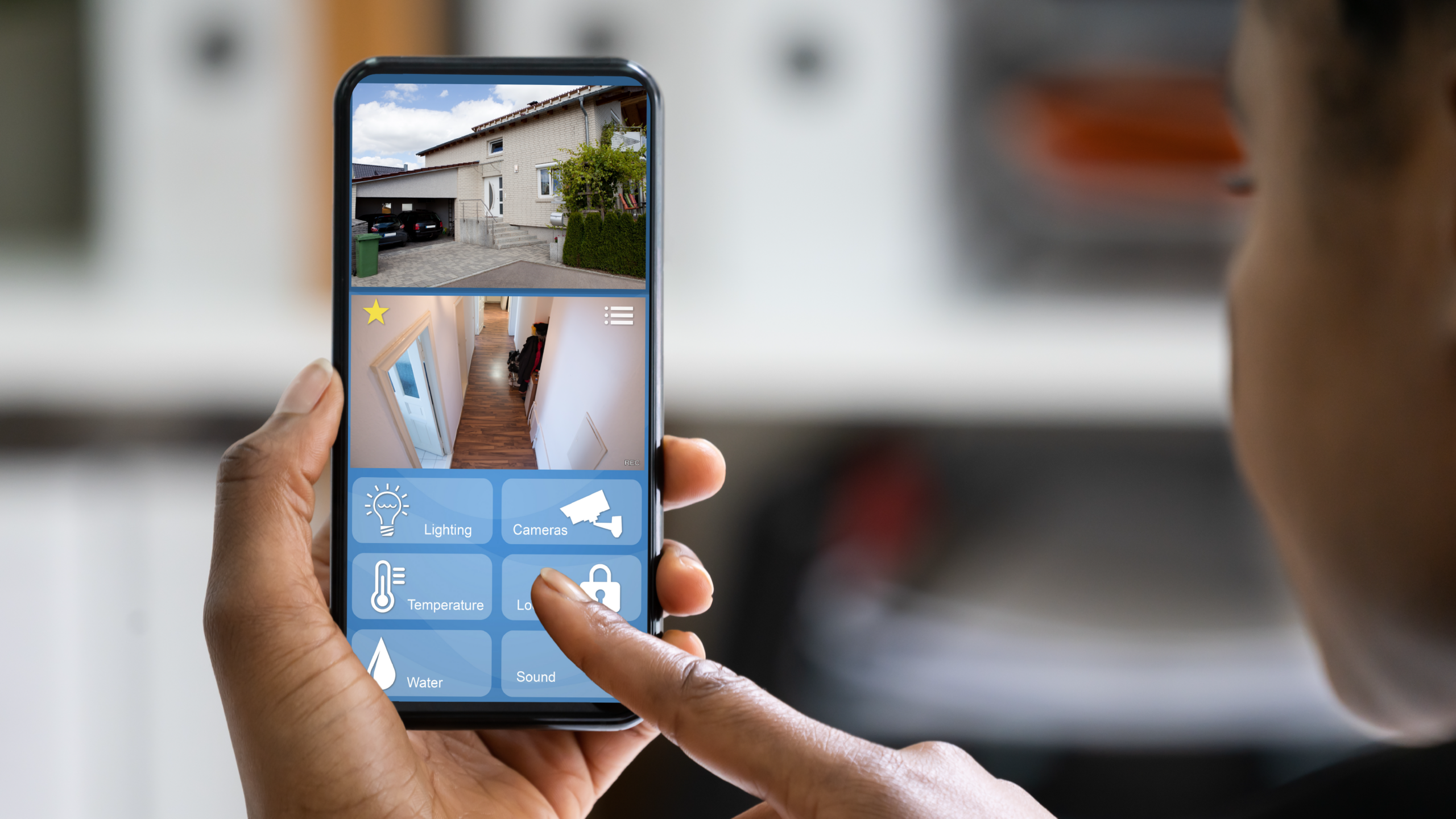
Your security camera used to tell you something moved. Now it can tell you who moved, when they usually don’t, and whether you should worry about it.
Home security has always been about peace of mind. Locks on the doors, maybe an alarm system, a motion-sensor light in the garden. And for a long time, that was about as sophisticated as it got for most households.
Smart security has changed the game, but not always in the ways the marketing suggests. A lot of what gets sold as ‘smart’ is really just ‘remote’. A camera you can watch from your phone is useful, sure. But the real shift happening in 2026 is about what the system can understand and decide on its own, before you even look at your phone.
From motion detection to actual understanding
The biggest change in smart home security over the past year is AI-powered recognition. CEDIA, the global association for smart home professionals, flagged this as one of the defining trends in their March 2026 industry report: cameras and sensors that don’t just detect motion but understand what they’re seeing.
In practical terms, that means a camera at your front door can now distinguish between your family members, a regular delivery driver, a neighbour’s cat, and a stranger. It can tell the difference between a package being delivered and a package being taken. It can recognise your car pulling into the driveway versus an unfamiliar vehicle.
The result is dramatically fewer false alarms. Anyone who’s had a security camera send them 47 notifications in one day because a tree branch was moving in the wind knows how quickly alert fatigue sets in. When every notification is a false positive, you stop checking them. And that defeats the entire purpose.
Modern AI systems analyse behaviour rather than just detecting movement. A person walking up your driveway at 3pm on a Tuesday is probably a visitor. A person walking up your driveway at 3am and trying door handles is probably not. The system can tell the difference and respond accordingly.
Predictive security: flagging problems before they happen
This is where things get genuinely interesting. The latest systems don’t just react to events. They build a picture of what’s normal for your home and flag when something deviates from that pattern.
If your front gate normally opens twice a day during the week and suddenly it’s opening six times before noon, the system notices. If there’s movement in your garden at a time when there’s usually none, it flags it. If a window sensor detects vibration in a pattern consistent with attempted forced entry, it can trigger an alert before the window actually opens.
DC Structures’ 2026 smart home trends review described this as the shift from homes that respond to commands to homes that anticipate what you need. For security, that anticipation could be the difference between a break-in that’s caught on camera after the fact and one that’s prevented.
The privacy question: where does your footage go?
One of the most important and least-discussed aspects of smart security is what happens to your video footage. There are two main approaches, and they have very different privacy implications.
Cloud processing means your video is sent to the manufacturer’s servers, where AI analyses it and sends alerts back to you. This is how most affordable smart cameras work. The advantage is that you get sophisticated AI features without needing expensive hardware at home. The trade-off is that your footage lives on someone else’s servers, which raises questions about who can access it, how long it’s stored, and what happens if the company suffers a data breach.
Local processing means the AI runs on hardware in your home. Your footage never leaves your property unless you choose to send it somewhere. Companies like Josh.ai have built their entire platform around this principle: all voice and video processing happens locally. It’s more private, but the upfront hardware costs are typically higher.
Neither approach is wrong. But it’s worth understanding which one your system uses and making a conscious choice about it. According to Deloitte research, 65% of consumers are concerned about the security of their smart home devices. That concern is reasonable, and the answer isn’t to avoid the technology. It’s to choose systems that handle your data the way you’re comfortable with.
Integration is where the real power lives
A smart camera on its own is useful. A smart camera that talks to your smart lock, your motion sensors, your lights, and your alarm system is something else entirely.
When these systems are integrated, they can execute coordinated responses. Someone approaches your door after dark? The porch light comes on, the camera starts recording in high resolution, and you get a notification with a snapshot. A window sensor triggers while you’re away? The alarm activates, the cameras lock to the relevant area, and you get a video clip before the intruder even knows the system has noticed.
This kind of integration used to require a professional installer and a five-figure budget. It’s increasingly accessible at the consumer level, but getting it right still requires some thought about which products work together and how they’re configured.
Making it work for your home
Smart security doesn’t have to be an all-or-nothing investment. A video doorbell and a couple of well-placed outdoor cameras is a solid starting point that gives you visibility and recording. From there, you can add motion sensors, smart locks, and integration with your lighting system as your budget and interest allow.
The most important thing is that whatever you install works reliably and is configured properly. A camera with a 3-second delay on notifications or a lock that occasionally doesn’t respond to commands isn’t adding security. It’s adding frustration.
Dial a Nerd can help you design a smart security setup that actually works together. We’ll assess your property, recommend the right cameras and sensors for your layout, configure everything to integrate properly, and make sure the system is reliable before we leave. Because security should work when it matters, not just when the demo is running.