
In The Matrix (1999), a child in the Oracle’s waiting room hands Neo a spoon and explains something quietly devastating: the spoon doesn’t exist. It’s code. And trying to bend it by thinking of it as a real object is exactly the wrong approach. The only way to interact with it truthfully is to understand what it actually is.
As the boy tells Neo: “Do not try and bend the spoon. That’s impossible. Instead, only try to realise the truth. There is no spoon. Then you’ll see that it is not the spoon that bends — it is only yourself.”
It’s one of cinema’s most elegant pieces of philosophical shorthand. And it maps onto something very real in home and business networking — specifically, the persistent human habit of treating a router like a physical object with inherent properties (it’s “secure,” it’s “mine,” it’s “fine”) rather than what it actually is: a piece of software running on hardware, with settings, defaults, and vulnerabilities that exist whether you’re aware of them or not.
The router isn’t secure. It never was. You just haven’t looked at it.
The Default Password Problem Is Genuinely Bad
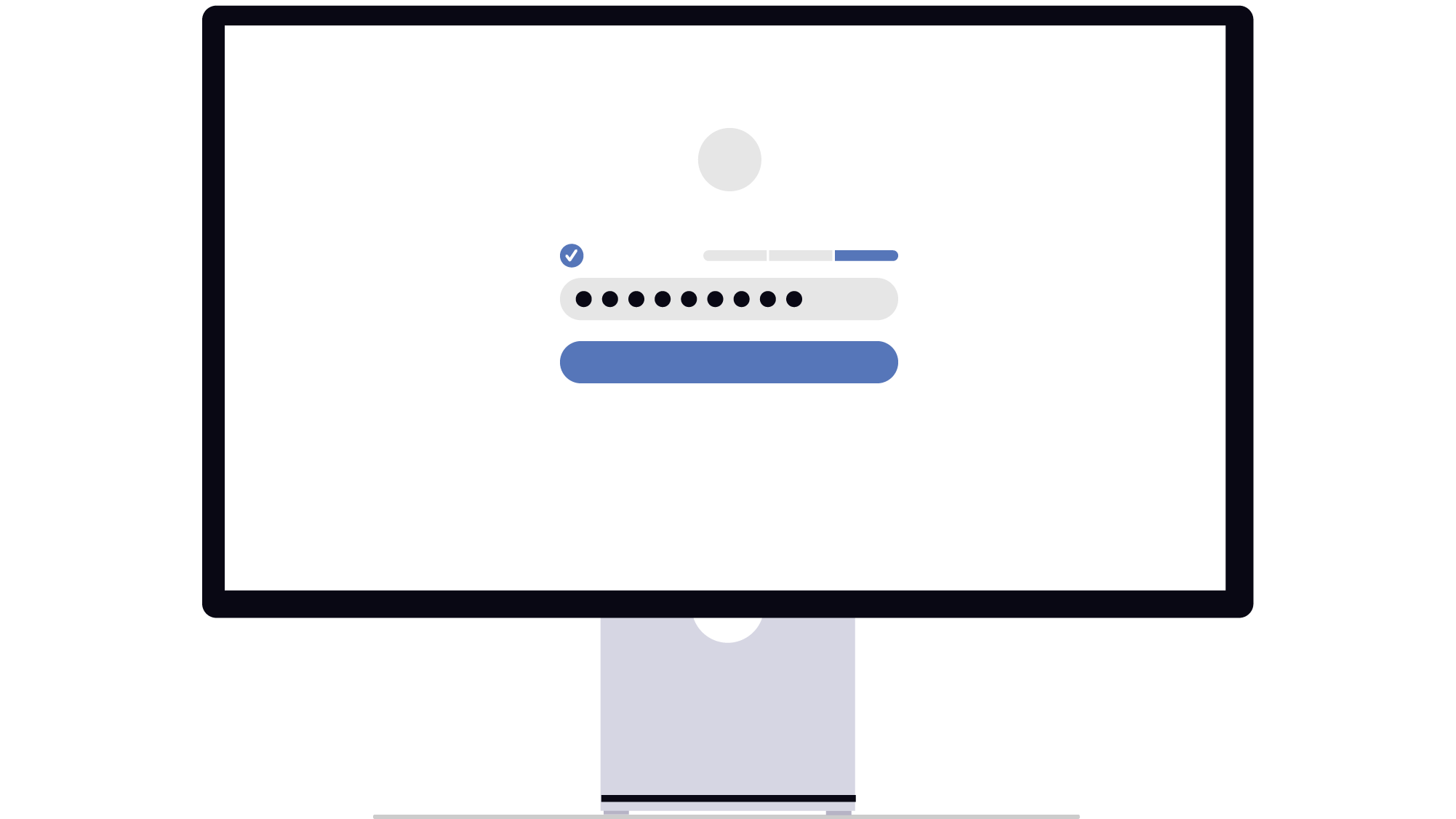
Let’s start with the most basic thing. Almost every home and small business router ships with a default admin username and password — usually something like admin / admin, admin / password, or a simple string printed on the bottom of the device. These defaults are publicly documented for virtually every router model and are known to anyone who might want to access your network.
If you’ve never changed your router’s admin password, you’re trusting that nobody near your network will think to try the factory default. That’s not a security posture. That’s optimism.
Default credentials are one of the most commonly exploited vulnerabilities in home and small business networks — not because attackers are sophisticated, but because they don’t need to be. They just try the default. Research published by NETGEAR and Bitdefender found that home network devices face an average of 10 attacks per day. Many of those attacks are automated — scripts systematically trying known default credentials across thousands of devices.
The fix takes two minutes. Log into your router (usually 192.168.0.1 or 192.168.1.1 in a browser), find the admin settings, and change the password to something that isn’t the factory default.
Your Network Is Flat. That’s the Real Problem.
Here’s where it gets more interesting, and where the Matrix metaphor does its best work.
In The Matrix, the system appears to have rules — physical laws, limitations, structures. But those rules are constructs. They apply uniformly across the simulation because that’s how the system was built. The vulnerability isn’t in any individual element — it’s in the architecture. Everything is connected to everything else.
Your home network, unless someone has deliberately configured it otherwise, is flat. Every device on it can talk to every other device. Your work laptop sits on the same network as your smart TV, your kids’ tablets, your Ring doorbell, and whatever smart speaker is listening in the corner. If any one of those devices is compromised, it has potential access to all the others.
This is exactly what enterprise networking gear like Ubiquiti’s UniFi range is designed to address. Network segmentation — the practice of separating devices into distinct groups that can’t communicate with each other — means that a compromised smart TV can’t see your work laptop’s traffic. A hacked IoT device can’t reach your NAS drive. Each segment of the network has visibility only within itself.
At home, a practical version of this is simply running a separate guest network for IoT devices and visitors. It doesn’t require enterprise hardware — most modern mesh routers support it. But it does require someone to set it up, which almost nobody does.
WPA2 vs WPA3: The Encryption Upgrade Most People Haven’t Made
Your Wi-Fi password encrypts the traffic between your devices and your router. But the strength of that encryption depends on the security protocol your router is using.
WPA2 has been the standard for over a decade and is still widely used. It’s significantly better than its predecessor (WEP, which is functionally useless by modern standards). But it has known vulnerabilities — most notably to offline dictionary attacks, where an attacker captures your network handshake and then throws computing power at cracking it offline, away from any rate-limiting your router might apply.
WPA3, the current standard, addresses this with a protocol called Simultaneous Authentication of Equals (SAE), which makes offline dictionary attacks dramatically harder. According to the Wi-Fi Alliance, WPA3 is now standard on Wi-Fi 6 devices, and most modern routers support it.
To check: log into your router admin panel, find your wireless security settings, and confirm you’re running WPA3 or at minimum WPA2. If your router is more than five years old and doesn’t support WPA3, that’s worth knowing — it’s not necessarily an emergency, but it’s a meaningful gap.
The Neo Moment: Seeing the Network for What It Is
The shift The Matrix asks of Neo isn’t about doing something different. It’s about seeing differently. The rules he assumed were real are constructs. Once he understands that, he can interact with them on his own terms.
The equivalent in home networking is moving from “my router is fine, I’ve had no problems” to “my router is a device running software with default settings, and I should know what those settings are.” That shift in perspective — from passive assumption to active understanding — is the difference between a network that works and a network that’s genuinely secure.
It doesn’t require expertise. It requires fifteen minutes, a web browser, and the willingness to look at something you’ve been ignoring.
At Dial a Nerd, we do home network audits — checking default credentials, encryption standards, network segmentation, and device visibility — and fix what we find. If you’ve never properly looked at your network setup, we’ll look at it for you.